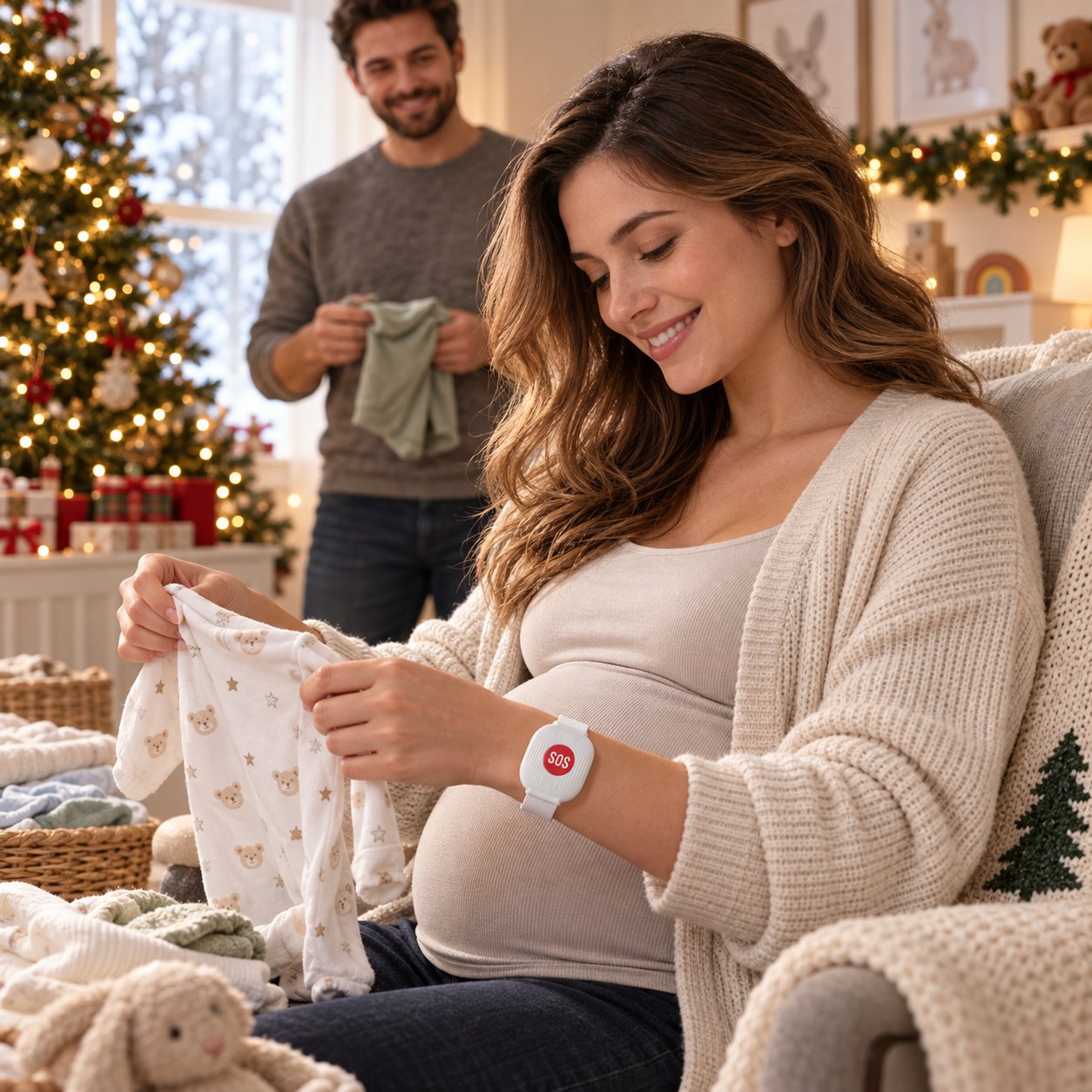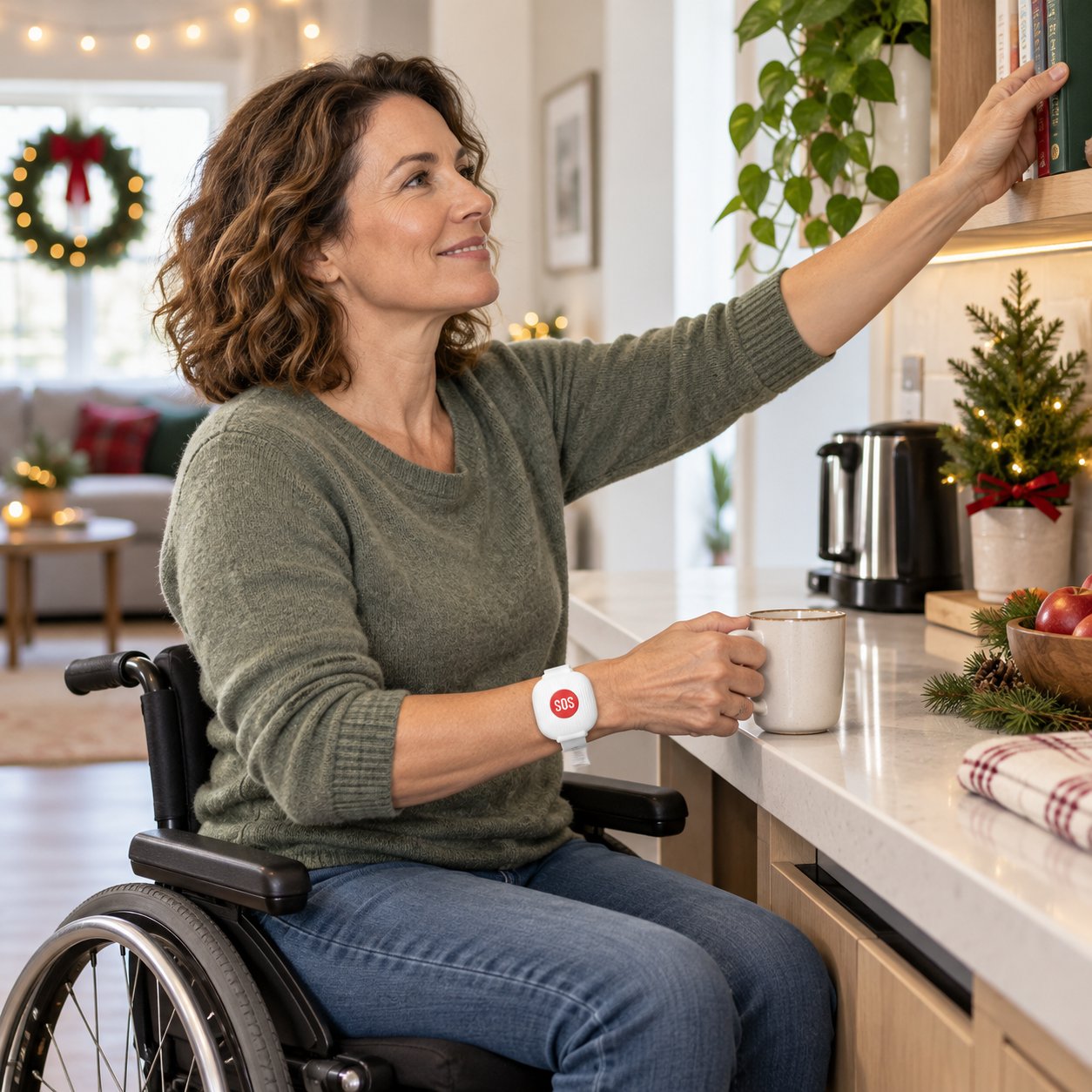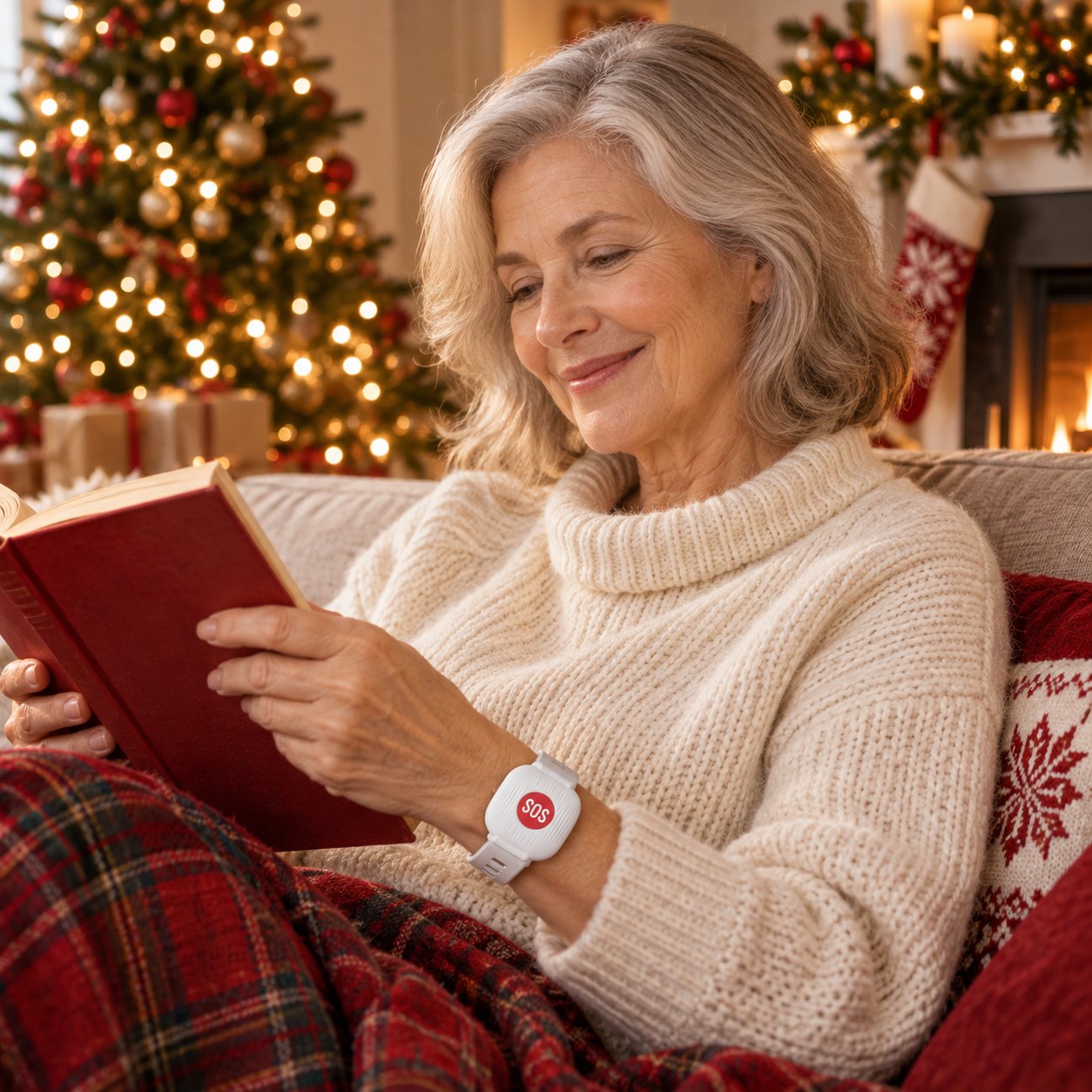
Living independently
Easily reach family members without having to hold your mobile phone.


Versandkosten werden an der Kasse angezeigt
Rückgabe gemäß Rückgaberichtlinie
Fragen? support@lunaveroai.com
Sicher bezahlen
Home security made easy
If your phone is on the other side of the room, an easily accessible SOS button can make all the difference. Wear it on your wrist at home and send an app message to a family member with a single press.

A simple press of a button turns a stressful moment into a clear signal for help.
The large red button is easy to find and press when the phone is difficult to reach.
Pressing a button sends a notification via the connected app.
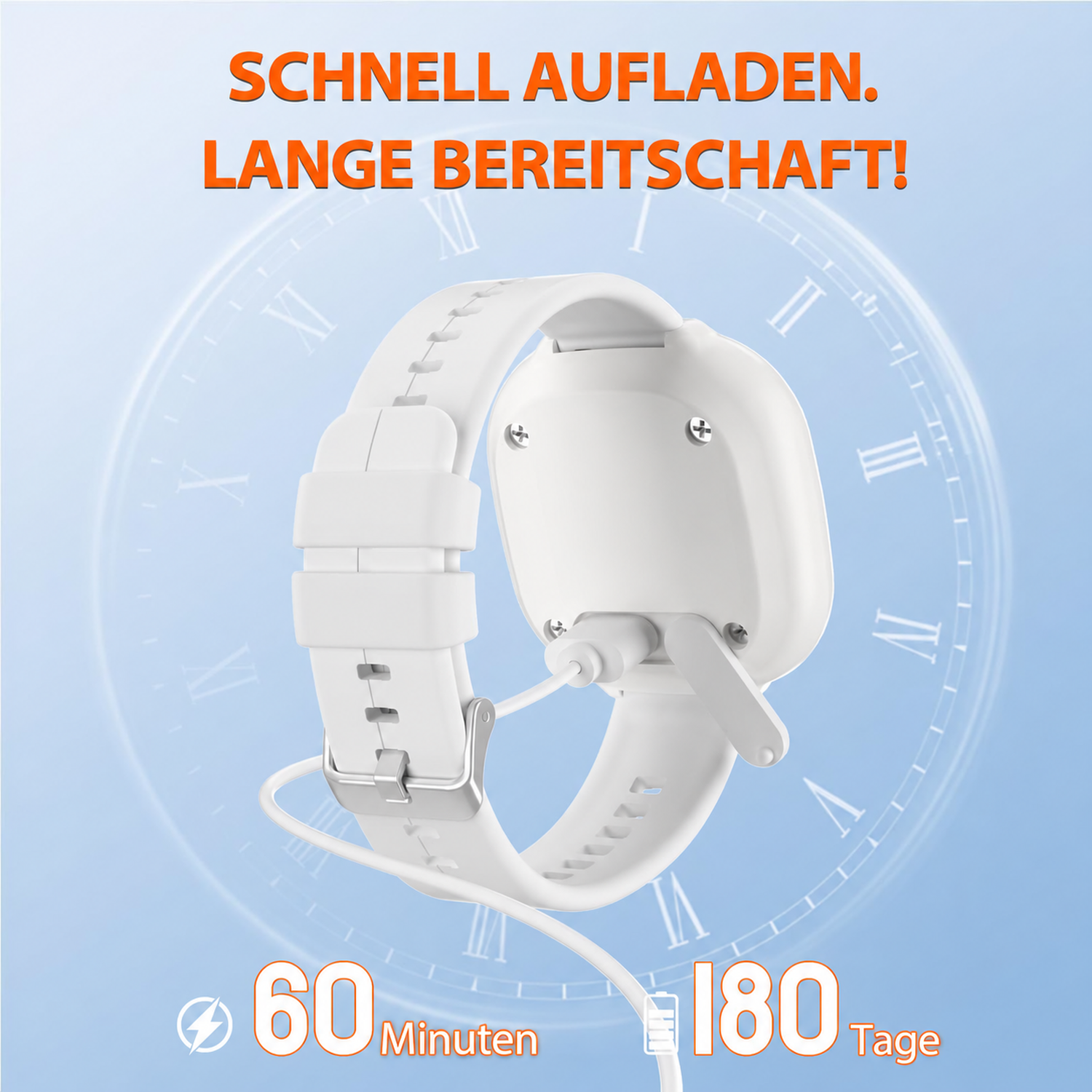
Up to 6 months of standby time reduces the need for frequent charging.
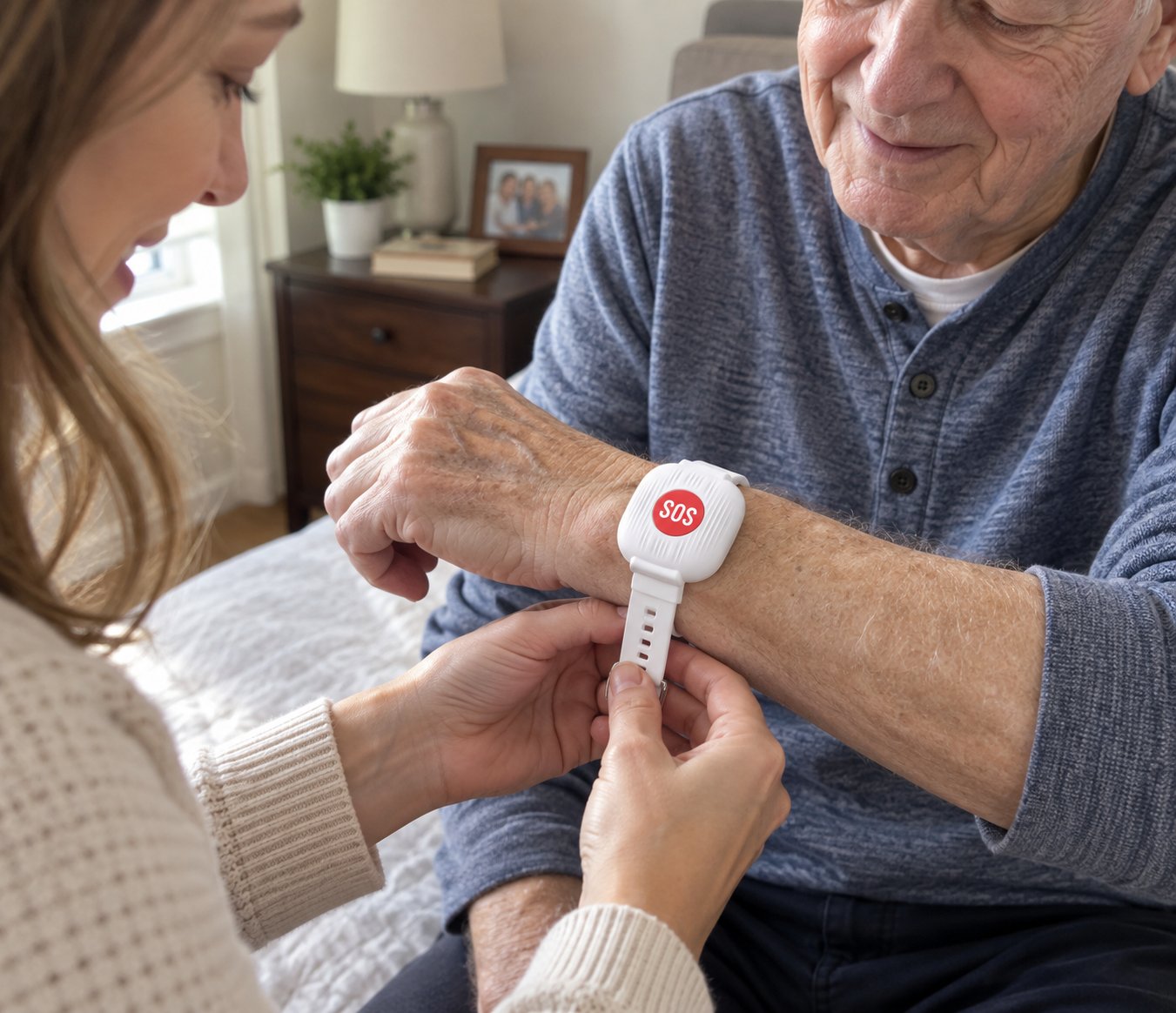
The adjustable white wristband keeps the button visible and easily accessible.
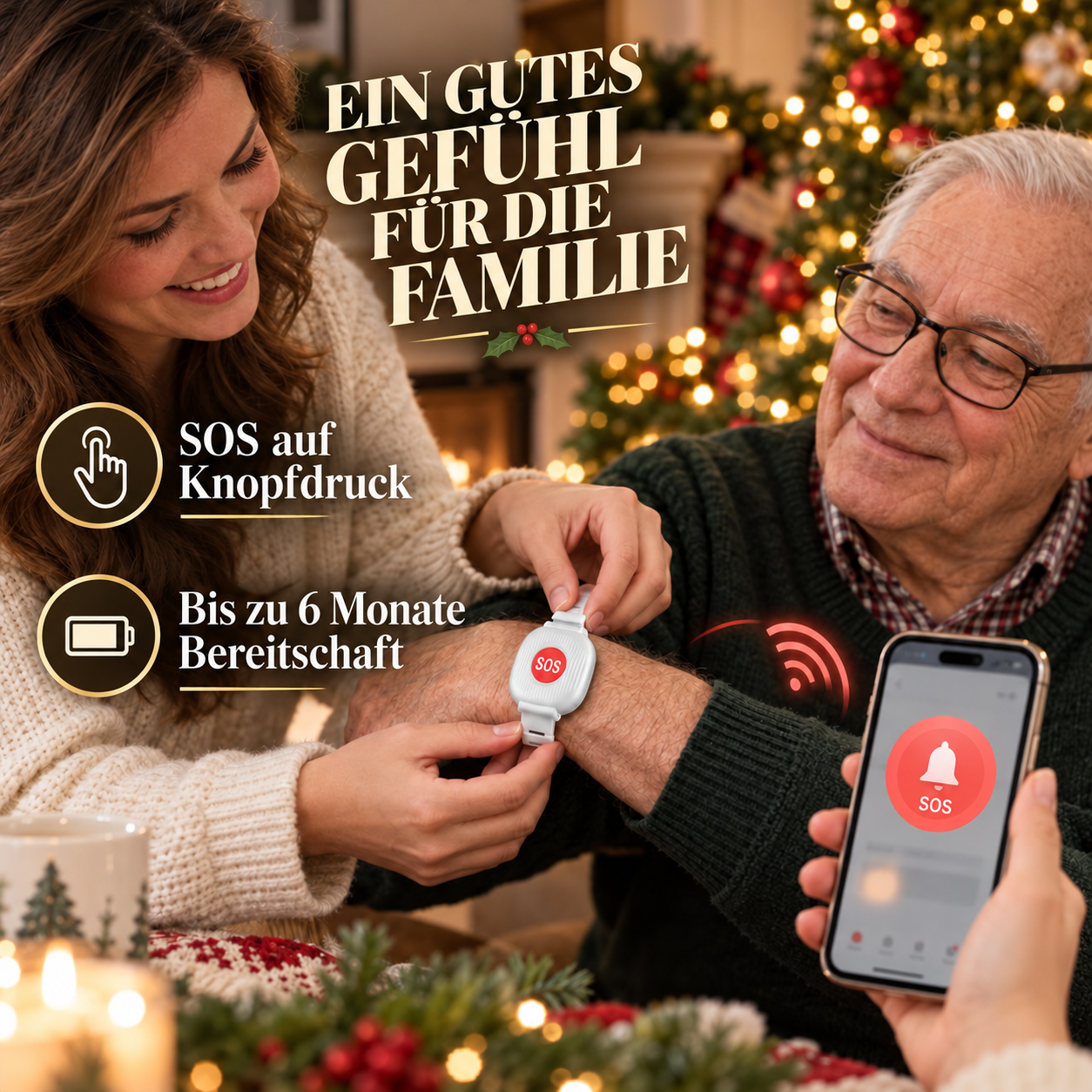
A small button. A quick way to get in touch.
The SOS button stays on your wrist. This means you don't have to search for your phone to alert a connected family member.
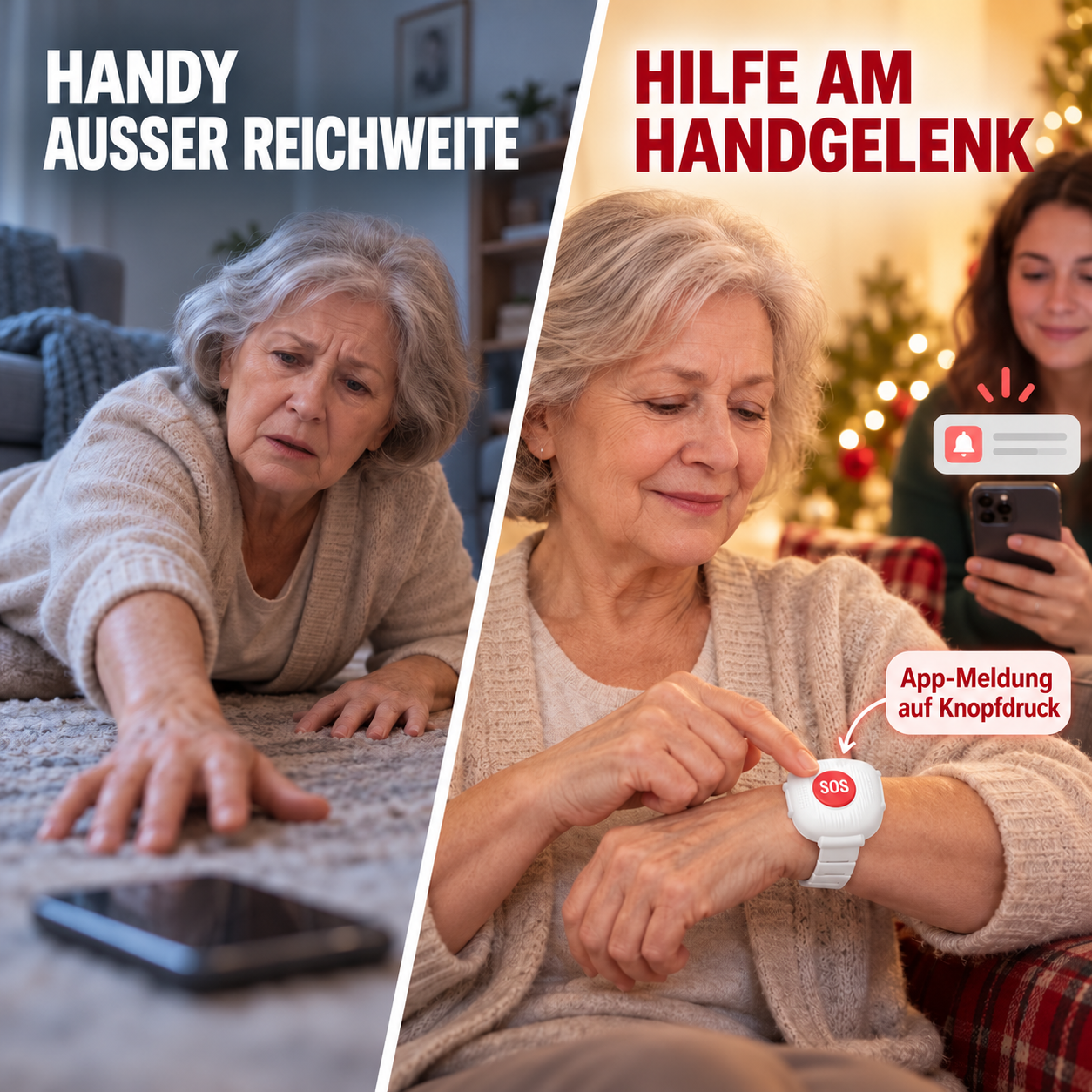
An easily accessible reporting button for independent living, care facilities, growing families and a barrier-free everyday life.
Charge less frequently. Keep ready.
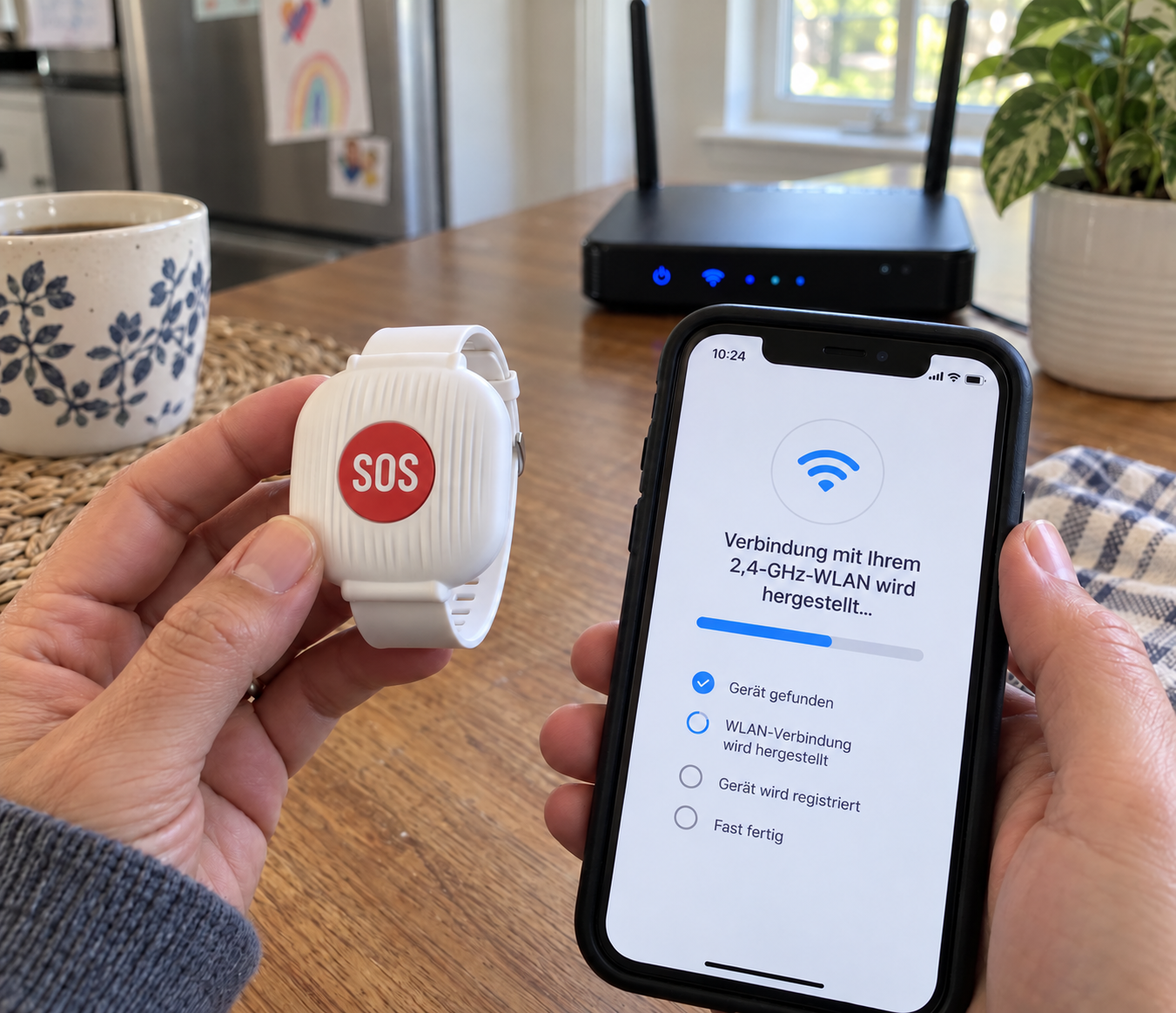
Fast charging via USB and long standby time make everyday use easier. The button connects to a 2.4 GHz Wi-Fi network at home. The linked smartphone can also receive app notifications in another location, provided it is online.
Pair the button in the corresponding app while your smartphone is connected to a 2.4 GHz Wi-Fi network at home. Follow the steps in the app, add the device, and test a notification.
Yes. The button must remain within range of your configured Wi-Fi network. The connected smartphone can receive the app notification from another location, provided it has internet access.
The adjustable white strap offers multiple settings. Fasten it so that it fits securely and the red SOS button faces outwards for easy pressing.
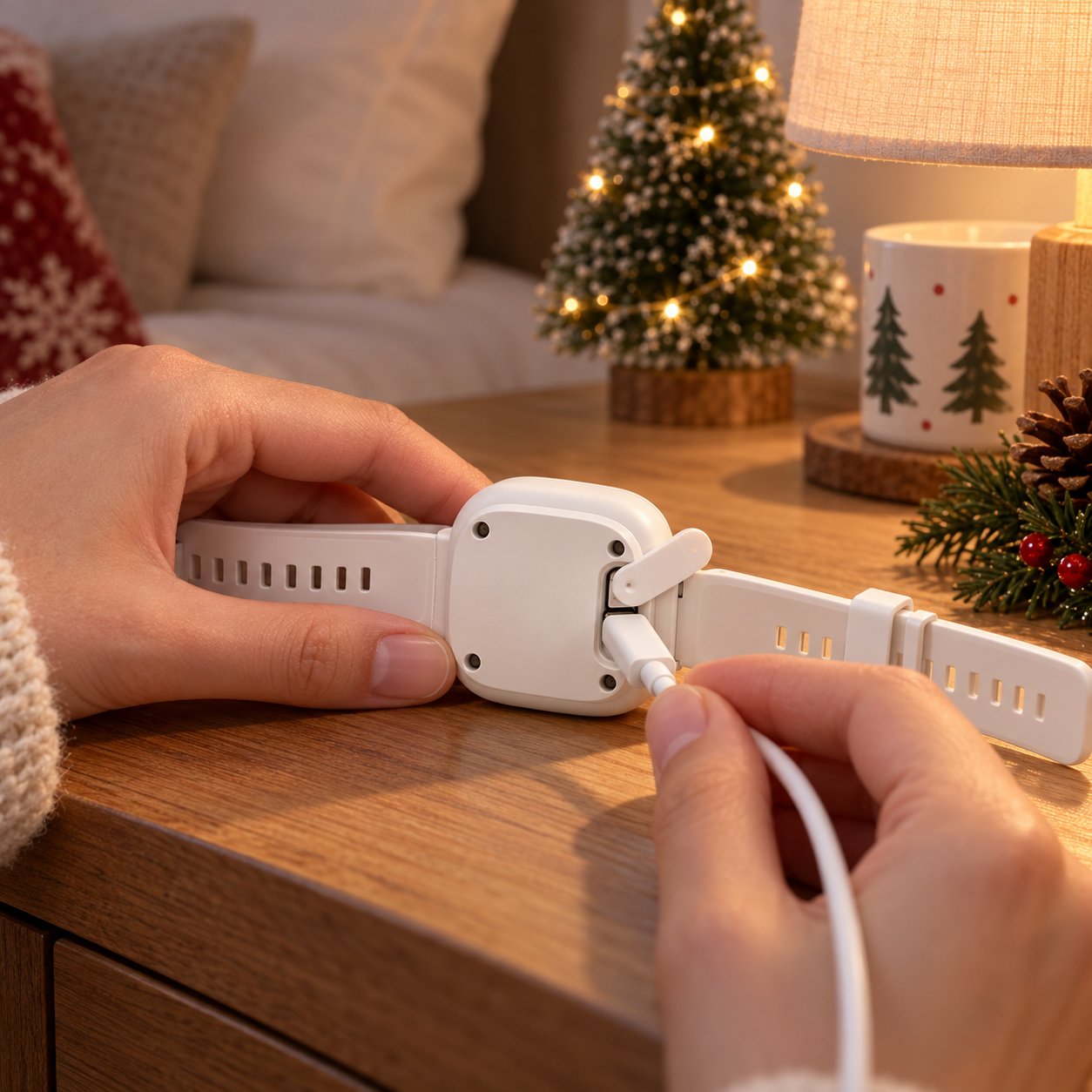
Turn the button over, open the protective cover on the back, and connect a suitable USB charging cable to the exposed port. A full charge takes approximately 60 minutes. Charging time and standby time may vary depending on usage and network conditions.
It is designed for everyday water splashes. Do not submerge, do not wear while swimming, and do not expose to strong water jets.
Please contact our support team. We can help with pairing, message testing, and charging questions, as well as finding a suitable solution if something arrives damaged or doesn't work as expected.
Everyday home products should be simple. If you experience problems with pairing, charging, delivery, or the product itself, our support team will help with setup, finding a replacement, or the next appropriate solution.
A thoughtful gift idea for the home
Choose the appropriate quantity for your household, set up the button together, and keep a signal for help readily available.